

Ancher
AIAncher.ai is an AI-powered news assistant that helps professionals save time, stay informed, and cut through information overload.
Ancher
Ancher.ai is an AI-powered news assistant that helps professionals save time, stay informed, and cut through information overload.
About Ancher
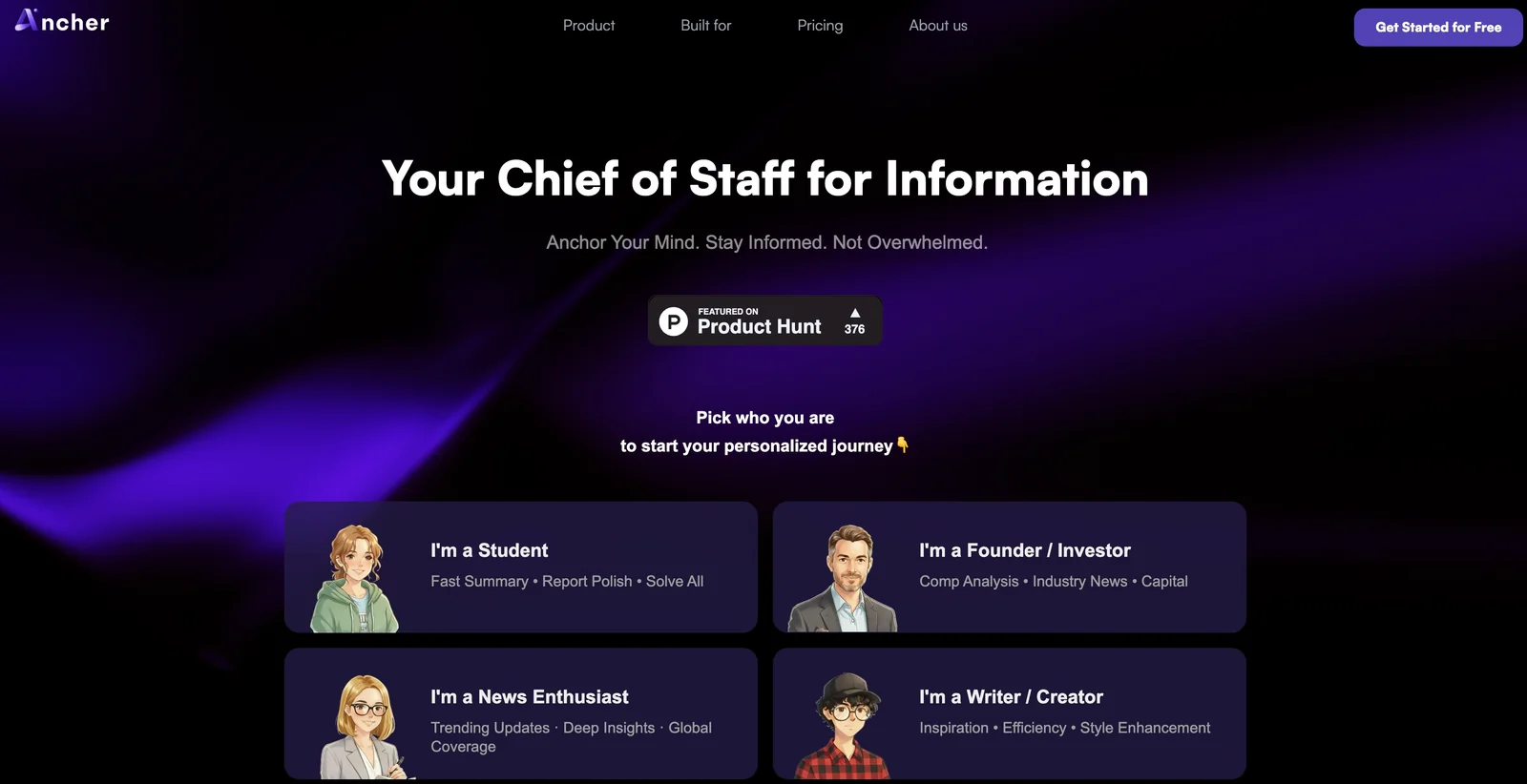
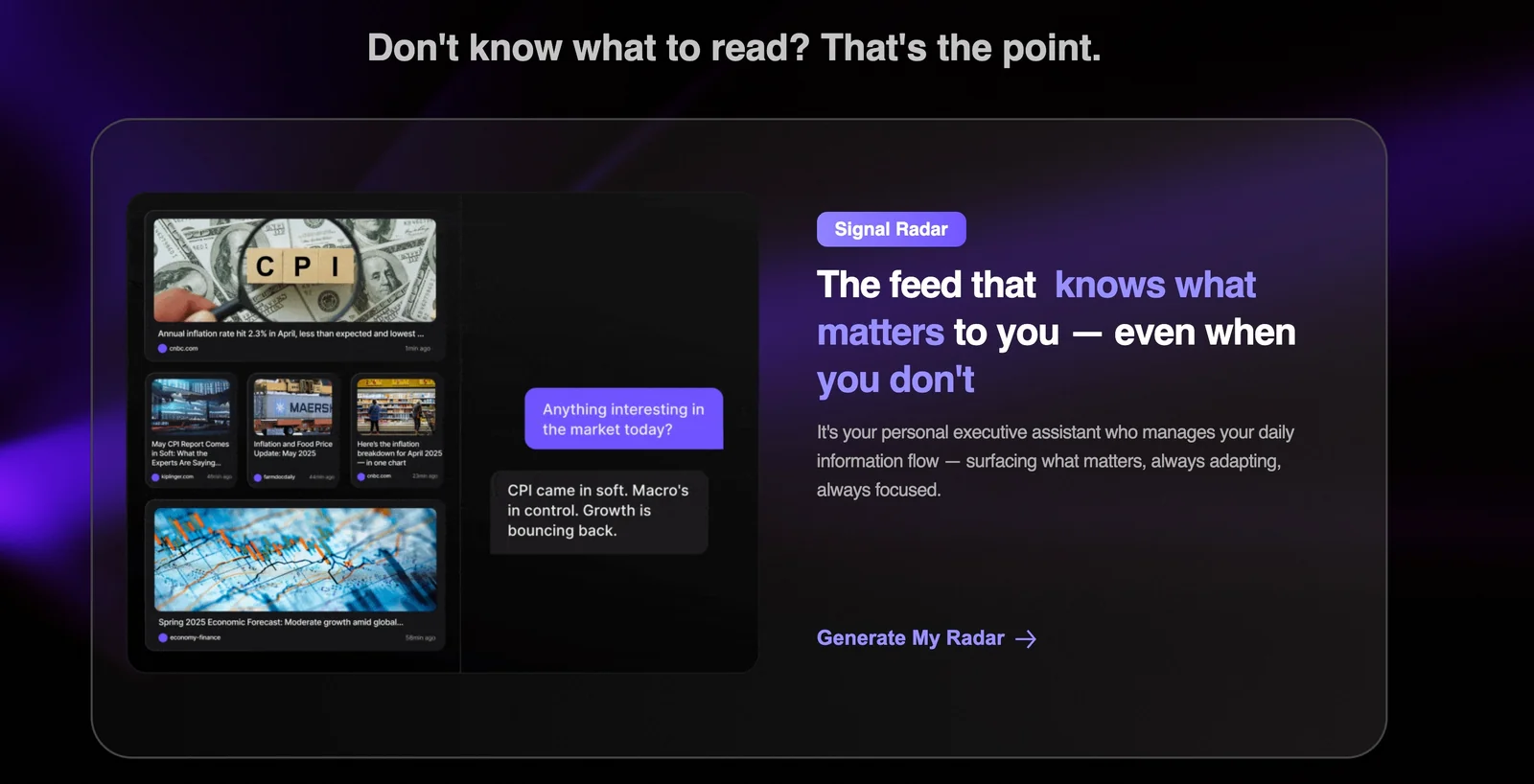
Ancher.ai is an AI-driven news assistant that aggregates and prioritizes news for modern professionals. It uses machine intelligence to surface high-signal stories, generate concise summaries and briefings, and filter out noise so users can stay current faster. The service focuses on personalization and relevance, allowing users to receive prioritized digests, alerts, and contextual summaries tailored to their industry, role, or topics of interest. Its value lies in reducing time spent sifting through feeds while improving situational awareness and decision-making.
Screenshots
Key Features
Use Cases


Frequently asked questions about Ancher
How do I get started with Ancher?
To get started with Ancher, sign up for a free account on their website. After registration, you can explore the platform's features with a 7-day free trial. Choose a suitable plan based on your needs, and set up your personalized news feed to optimize your content consumption experience.
Key Points
- Free Account Setup: Easy registration process.
- 7-Day Free Trial: Explore all features at no cost.
- Customizable News Feed: Tailor content to your preferences.
Detailed Explanation
Starting with Ancher is straightforward. Follow these steps:
-
Sign Up: Visit the Ancher website and click on the "Sign Up" button. Fill in your details, such as name, email address, and create a password. You can also sign up using your Google or social media accounts for convenience.
-
Explore Features: Once logged in, you will have access to a 7-day free trial. This trial allows you to explore Ancher's comprehensive features, including content curation, analytics, and automated updates. Familiarizing yourself with these tools can significantly enhance your user experience.
-
Choose a Plan: After the trial, Ancher offers several pricing plans based on your needs—ranging from basic to premium options. Review the features included in each plan and select one that suits your requirements. Pricing typically starts around $10 per month, depending on the features and number of users.
-
Set Up Your News Feed: Personalize your news feed by selecting topics of interest, keywords, and sources. Ancher uses AI algorithms to deliver tailored content, ensuring you receive the most relevant updates.
Best Practices / Tips
- Take Advantage of the Trial: Use the full 7 days to test all features. Make note of how each tool aligns with your needs.
- Customize Your Feed: Spend time refining your preferences so that your news feed is as relevant as possible.
- Engage with Customer Support: If you encounter any issues during setup, don’t hesitate to reach out to Ancher’s support team for assistance. They can provide valuable insights and help you maximize your experience.
Additional Resources
By following these steps and utilizing available resources, you can effectively start using Ancher and enhance your content consumption strategy.
What are the main features of Ancher?
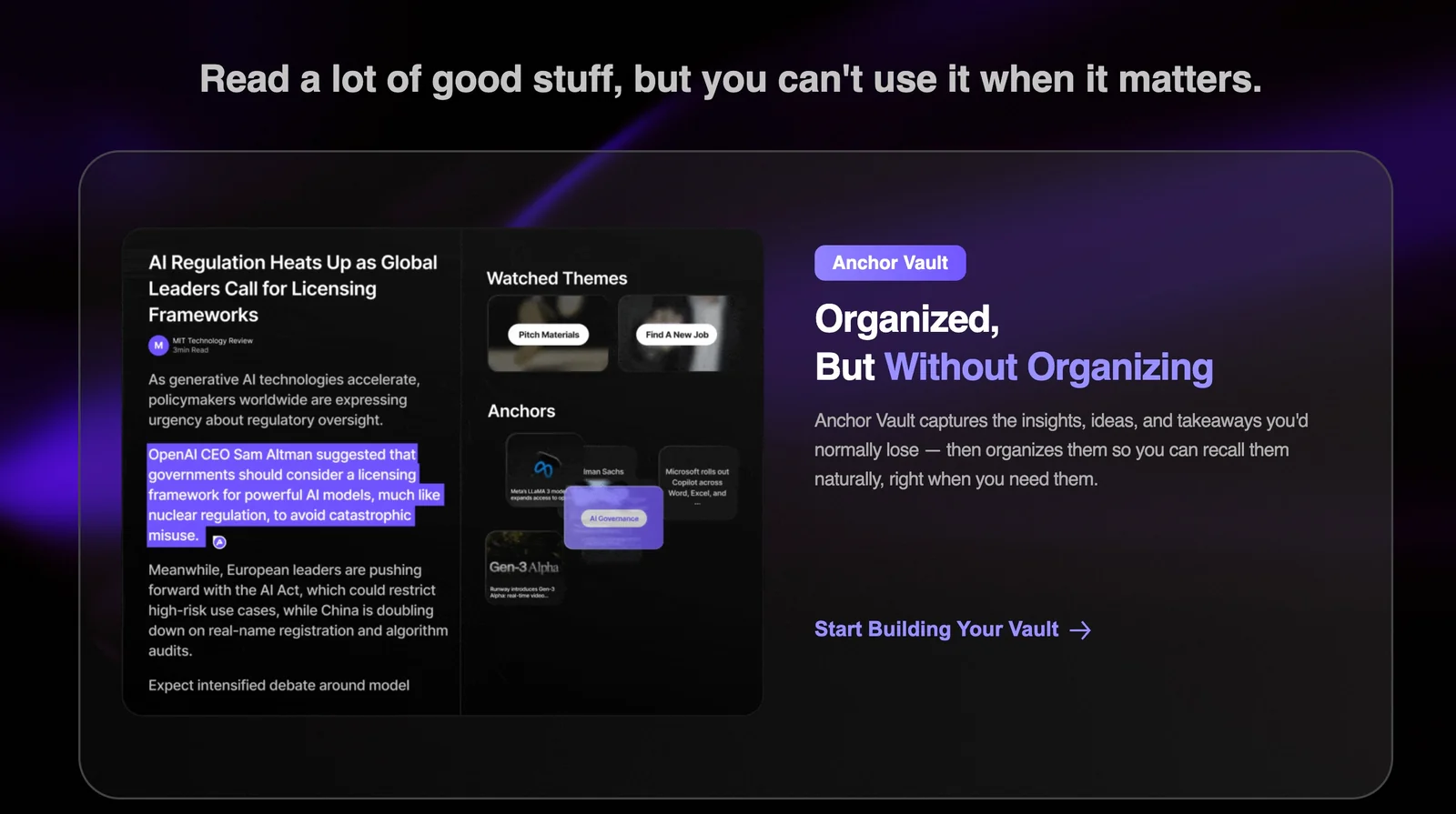
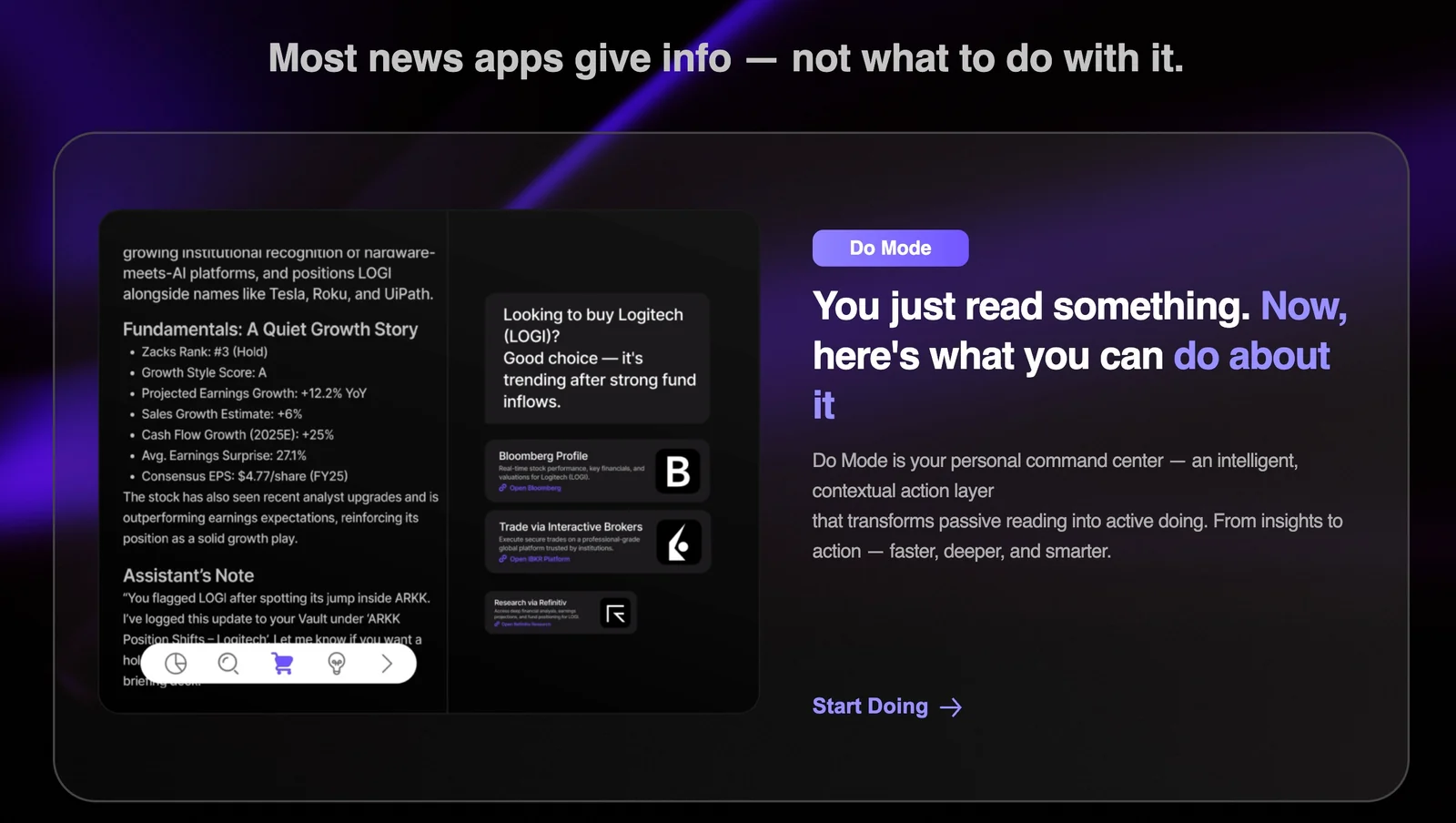
Ancher provides key features such as personalized news feeds, concise article summaries, priority filtering for relevant information, daily briefings, and integration with workplace tools. These capabilities enable professionals to stay informed efficiently and make better decisions based on timely, curated content.
Key Points
- Personalized News Feeds: Tailored content based on user preferences.
- Concise Summaries: Quick overviews saving time while staying informed.
- Priority Filtering: Focus on relevant news and updates.
Detailed Explanation
Ancher’s personalized news feeds adapt to user interests, leveraging machine learning to curate content that matches individual preferences. This ensures that users receive articles and updates that matter most to them, enhancing engagement and relevance.
The concise summaries provide users with the essence of articles, allowing them to grasp important information quickly without having to read lengthy texts. This feature is particularly useful for busy professionals who need to stay updated but have limited time.
Priority filtering helps users sift through vast amounts of information, highlighting breaking news and critical updates first. By using advanced algorithms, Ancher ensures that users are alerted to the most relevant news, which is essential for decision-making in fast-paced environments.
Daily briefings compile essential news into a convenient format, allowing users to start their day with a comprehensive overview of important updates. This feature can be customized to focus on particular industries or topics, further enhancing its utility.
Integration capabilities with workplace tools, such as Slack and Microsoft Teams, allow for seamless sharing of content and collaboration among team members. This ensures that everyone stays informed and aligned with the latest developments.
Best Practices / Tips
- Customize Your Feed: Regularly update your preferences to ensure you receive the most relevant content.
- Utilize Summaries: Make it a habit to read summaries first to prioritize which articles warrant deeper reading.
- Set Up Notifications: Leverage priority filtering by setting up alerts for critical updates in your field.
Additional Resources
Is Ancher easy to use for beginners?
Yes, Ancher is designed to be user-friendly for beginners, featuring an intuitive interface that simplifies setup and navigation. Users can easily adjust preferences and access various functionalities without requiring any technical expertise, making it a suitable choice for those new to the platform.
Key Points
- User-Friendly Interface: Ancher’s design focuses on ease of use.
- No Technical Skills Required: Beginners can navigate features effortlessly.
- Quick Setup: Users can get started with minimal effort.
Detailed Explanation
Ancher stands out as a beginner-friendly tool due to its clean, organized layout. When you first log in, you'll encounter a straightforward dashboard that guides you through the setup process. Here’s how you can get started:
-
Sign Up Process: Creating an account only takes a few minutes. You simply need to enter your email address, choose a strong password, and verify your account through a confirmation link sent to your email.
-
Initial Setup: Once logged in, Ancher prompts you to set your preferences. This includes choosing a template that fits your needs, which is as simple as clicking a button.
-
Feature Navigation: The main dashboard displays clear tabs for different functionalities, such as analytics, content creation, and settings. Each section contains easy-to-understand labels, making it simple to find what you need.
-
Help and Support: For additional assistance, Ancher provides a help center featuring tutorials and FAQs that are particularly beneficial for novices who may have questions about specific features.
Best Practices / Tips
- Explore Tutorials: Take advantage of Ancher's tutorial videos to familiarize yourself with its features quickly.
- Utilize Templates: Start with pre-designed templates to save time and effort while learning the tool.
- Experiment: Don’t hesitate to explore various features. Ancher allows you to undo changes, so feel free to experiment without fear.
Common pitfalls include overlooking the help section and not utilizing templates, which can lead to a steeper learning curve.
Additional Resources
What is the pricing structure for Ancher?
Ancher offers a freemium pricing model with three distinct plans: Starter at $9.99/month, Pro at $17.99/month, and Premier at $24.99/month. Each plan includes unique features tailored to different user needs, and all subscriptions come with a 7-day free trial for users to explore the platform.
Key Points
- Freemium Model: Ancher provides a free tier alongside paid plans.
- Three Pricing Plans: Starter, Pro, and Premier, each with escalating features.
- Free Trial: A 7-day trial available for all plans to test features.
Detailed Explanation
Ancher’s Starter Plan at $9.99/month is designed for individual users or small teams, offering essential features such as basic analytics and limited integrations. This plan is perfect for users who are just beginning to explore Ancher's capabilities.
The Pro Plan costs $17.99/month and is suitable for growing teams. It includes advanced features like enhanced analytics, priority support, and additional integrations. This plan is ideal for users who need more robust tools and are looking to expand their usage of Ancher.
Finally, the Premier Plan is priced at $24.99/month and caters to larger organizations or those requiring extensive functionality. This plan includes all features from the Pro Plan, plus custom solutions, dedicated account management, and advanced security options. A great fit for businesses that demand comprehensive tools and support.
All plans come with a 7-day free trial, allowing potential customers to explore Ancher’s features without any financial commitment. Users can sign up for the trial on the Ancher website, and it offers a risk-free way to determine which plan best fits their needs.
Best Practices / Tips
- Evaluate Your Needs: Before choosing a plan, assess your team's size and feature requirements.
- Take Advantage of the Free Trial: Utilize the 7-day free trial to fully explore each plan’s features.
- Monitor Usage: Keep track of how often you use specific features to ensure you’re subscribed to the best plan for your needs.
Additional Resources
Can Ancher integrate with other tools I use?
Yes, Ancher can integrate with various workplace tools, including popular email and team chat applications like Slack and Microsoft Teams. This integration enhances your workflow by delivering real-time news updates directly within your preferred platforms, allowing for seamless communication and collaboration.
Key Points
- Wide Range of Integrations: Ancher connects with tools like email platforms and team chat applications.
- Enhanced Workflow: Integrations help streamline operations by centralizing communication.
- Real-Time Updates: Users receive news updates instantly in their existing tools.
Detailed Explanation
Ancher’s integration capabilities are designed to enhance productivity and keep teams informed. By connecting with tools such as Slack, Microsoft Teams, and various email systems, Ancher allows users to receive news updates and notifications directly where they already communicate.
Examples of Integration:
- Slack Integration: With Ancher's Slack integration, users can receive alerts about important company news or project updates in real-time. This reduces the need to switch between applications, allowing for more efficient communication.
- Microsoft Teams Integration: For organizations using Microsoft Teams, Ancher can post updates within designated channels. This ensures that all team members are on the same page without needing to check separate platforms for information.
Use Cases:
- Project Management: Teams can track project milestones and updates through their chat applications, ensuring everyone is aligned.
- Crisis Communication: During critical events, Ancher can send urgent notifications through integrated tools to ensure immediate attention.
Best Practices / Tips
- Utilize Notifications Wisely: Customize your notification settings in Ancher to avoid information overload while still staying informed.
- Leverage Integration Settings: Explore different integration settings to tailor the information flow to your team’s needs.
- Test Integrations: Before rolling out to the entire organization, test integrations with a small group to ensure functionality and ease of use.
Additional Resources
Explore more AI Ai Services tools
Browse all Ai Services tools →Compare Ancher: vs BAND for Developers · vs NitroStack · vs GBrain · vs MentionBird