

Aident AI
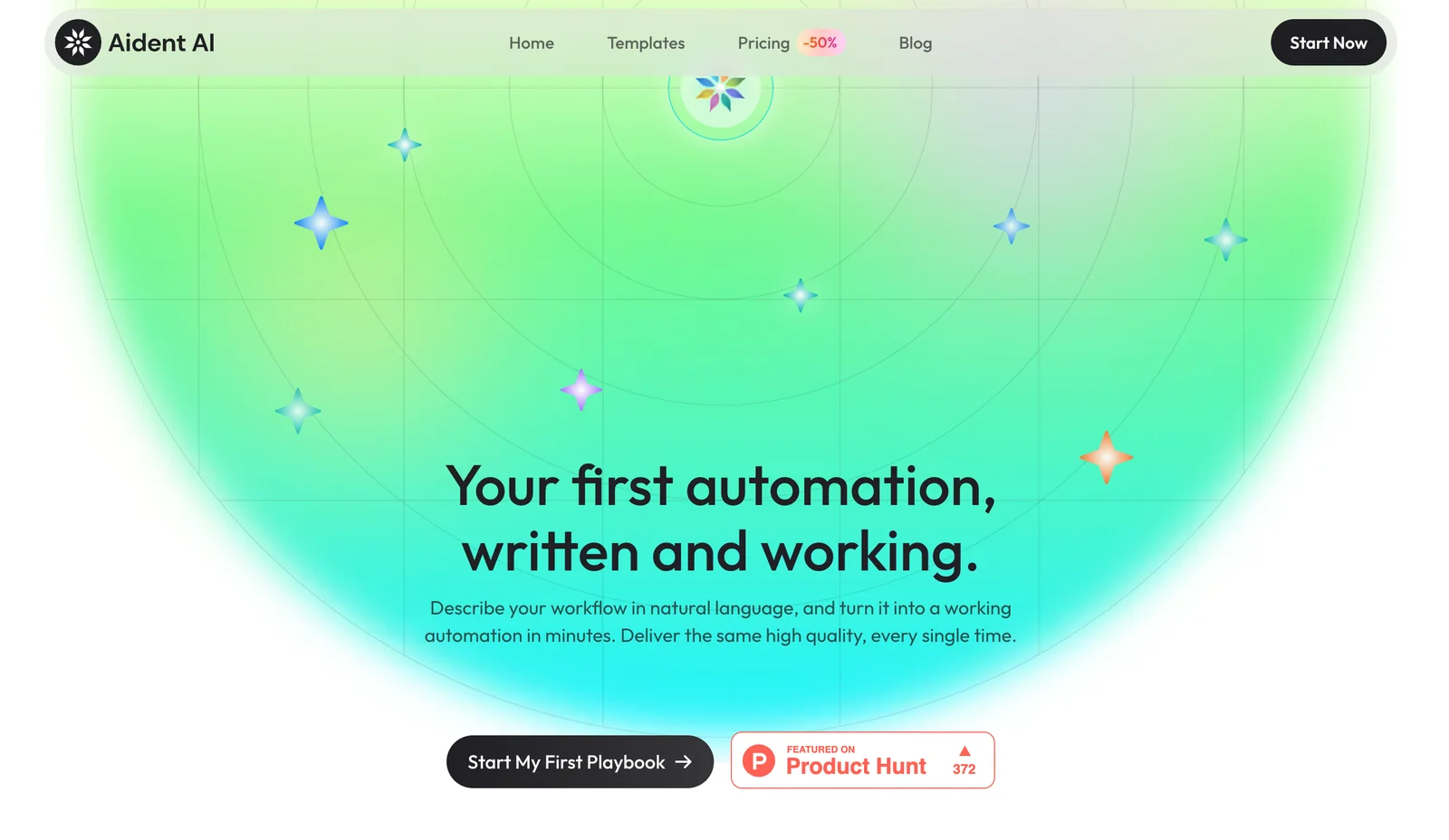
AIAgentic Playbook Editor enabling non-technical teams to describe tasks and ship governed, testable automation playbooks in minutes.
Aident AI
Agentic Playbook Editor enabling non-technical teams to describe tasks and ship governed, testable automation playbooks in minutes.
About Aident AI
Aident.ai provides an agentic Playbook Editor that lets non-technical teams create, validate, and deploy automated workflows and marketing operations using AI-driven orchestration. Users describe tasks in plain language and the platform converts them into governed, testable Playbooks that run reliably and produce consistent, high-quality outputs on every execution. The product emphasizes governance, repeatability, and ease-of-use to let business teams automate complex processes without deep technical skills.
Screenshots
Key Features
Use Cases



Frequently asked questions about Aident AI
What pricing options are available for Aident AI?
Aident AI offers a freemium pricing model that includes a Free/Starter tier for basic access and limited runs. For those seeking advanced features, Pro/Team and Enterprise plans are available, which require contacting their sales team for tailored pricing options based on specific needs.
Key Points
- Freemium Model: Basic access with limited features.
- Pro/Team Plans: Advanced features for teams and businesses.
- Enterprise Solutions: Custom pricing available for larger organizations.
Detailed Explanation
Aident AI’s pricing structure is designed to cater to a wide range of users, from individuals to large enterprises. The Free/Starter tier allows users to explore basic functionalities, making it ideal for those who want to test the platform without financial commitment. This tier typically includes limited runs and access to essential tools, making it a great starting point for new users.
For users needing more robust capabilities, the Pro/Team plans offer enhanced features that support collaboration and increased usage limits. These plans are perfect for small to medium-sized teams looking to integrate AI tools into their workflows. Users can expect features like advanced analytics, enhanced processing power, and priority support.
For larger organizations, the Enterprise solutions provide tailored pricing and features. Companies interested in these plans should reach out to Aident AI’s sales team to discuss their specific requirements and receive a customized quote. This flexibility ensures that enterprises can find a solution that fits their unique needs and scale.
Best Practices / Tips
- Evaluate Your Needs: Before selecting a plan, assess what features are essential for your use case. This helps in choosing the most cost-effective option.
- Utilize Free Tier: Take full advantage of the Free/Starter tier to familiarize yourself with the platform and its capabilities before committing to a paid plan.
- Contact Sales for Custom Solutions: If you're part of a larger organization, don’t hesitate to reach out to Aident AI for tailored solutions that can include additional support, custom features, and pricing.
Additional Resources
What key features does the Aident AI Playbook Editor offer?
The Aident AI Playbook Editor empowers non-technical users to seamlessly create automation playbooks through natural language input. Key features include built-in governance, robust testing capabilities, and rapid deployment, ensuring reliable and repeatable outcomes for diverse automation tasks.
Key Points
- Natural Language Interface: Create playbooks using straightforward language.
- Governance Features: Ensure compliance and control over automation processes.
- Testing and Deployment: Rapidly test and deploy playbooks for immediate results.
Detailed Explanation
The Aident AI Playbook Editor is designed for users without a technical background, enabling them to craft automation playbooks effortlessly. This tool features a natural language interface, allowing users to describe their automation needs in plain English. For instance, a marketing manager can input, "Automate the email campaign for our new product launch," and the editor will generate a corresponding playbook.
Governance
One of the standout features is its governance capabilities. This ensures that all automation processes adhere to organizational policies and compliance standards. Users can set permissions and review workflows to maintain oversight, which is crucial in industries such as finance or healthcare where regulatory compliance is essential.
Testing and Deployment
The testing capabilities within the Aident AI Playbook Editor allow users to validate their automation before deployment. It supports A/B testing, enabling users to compare different versions of a playbook. Once satisfied, users can deploy their playbooks rapidly, often within minutes. This agility enhances productivity and allows businesses to respond quickly to changing market conditions.
Best Practices / Tips
- Use Clear Language: When creating playbooks, use clear and concise language to enhance the AI's understanding.
- Regular Testing: Continually test playbooks to ensure they function as intended, especially after updates or changes in processes.
- Monitor Outcomes: After deployment, monitor the outcomes of your automation to identify areas for improvement.
Additional Resources
How can I start using Aident AI for my team?
To start using Aident AI for your team, sign up for the Free or Starter tier on their official website. This grants you access to the Playbook Editor and valuable community resources, enabling you to create your first automation playbooks effectively.
Key Points
- Sign up for the Free or Starter tier.
- Access the Playbook Editor and community resources.
- Create and collaborate on automation playbooks.
Detailed Explanation
To begin with Aident AI, visit their official website and navigate to the sign-up section. Choose either the Free or Starter tier, which provides essential features for teams new to automation.
Once registered, you will have access to the Playbook Editor, a user-friendly tool that allows you to create automation playbooks tailored to your team's needs. This editor is designed for simplicity, enabling users with varied technical expertise to collaborate effectively.
Additionally, Aident AI offers community resources such as forums, tutorials, and webinars. Engaging with these resources can significantly enhance your understanding of how to utilize automation tools efficiently. For example, you might find a tutorial on setting up your first playbook that guides you step-by-step through the process, from initial setup to deployment.
Best Practices / Tips
- Start Small: Begin with simple automation playbooks to familiarize your team with the platform before scaling up to more complex workflows.
- Engage with the Community: Utilize community forums to ask questions, share experiences, and learn from other users’ insights.
- Regularly Update Playbooks: Continuously refine and update your playbooks based on feedback and performance metrics to ensure they remain effective and relevant.
Additional Resources
Does Aident AI support API integrations for external tools?
Yes, Aident AI supports API integrations for external tools, although specific API details are not publicly available. The platform is designed to facilitate connections with various external applications, enhancing its versatility. For precise integration capabilities and specifications, it’s recommended to contact Aident's support team directly.
Key Points
- Aident AI is built for API integrations.
- Specific API details are not publicly disclosed.
- Contact Aident support for precise integration specifications.
Detailed Explanation
Aident AI's architecture is conducive to seamless API integrations, allowing users to connect with a variety of third-party tools. This capability is crucial for businesses seeking to enhance their workflows by incorporating data from different sources and leveraging AI functionalities.
Use Cases
- Customer Relationship Management (CRM): Integrate Aident AI with CRM systems like Salesforce or HubSpot to automate lead scoring and customer insights.
- Marketing Automation: Connect with tools such as Mailchimp or Marketo to optimize email campaigns and analyze customer interactions.
- Data Analytics: Link Aident AI to analytics platforms like Google Analytics for deeper insights into user behavior and trends.
Step-by-Step Guidance
- Identify Your Tools: Determine which external tools you wish to integrate with Aident AI.
- Contact Support: Reach out to Aident's support team to inquire about specific API documentation and integration processes.
- Follow Documentation: Once you receive the necessary information, carefully follow the provided API documentation for setup.
- Test the Integration: After setup, conduct tests to ensure data is flowing correctly between Aident AI and the external tools.
Best Practices / Tips
- Understand API Limits: Be aware of any limitations on API calls to optimize performance and avoid disruptions.
- Maintain Security: Ensure that API keys and sensitive data are stored securely and not exposed in public repositories.
- Regular Updates: Stay updated on Aident AI's platform changes or new features that may enhance integration capabilities.
Additional Resources
How does Aident AI compare to other automation tools?
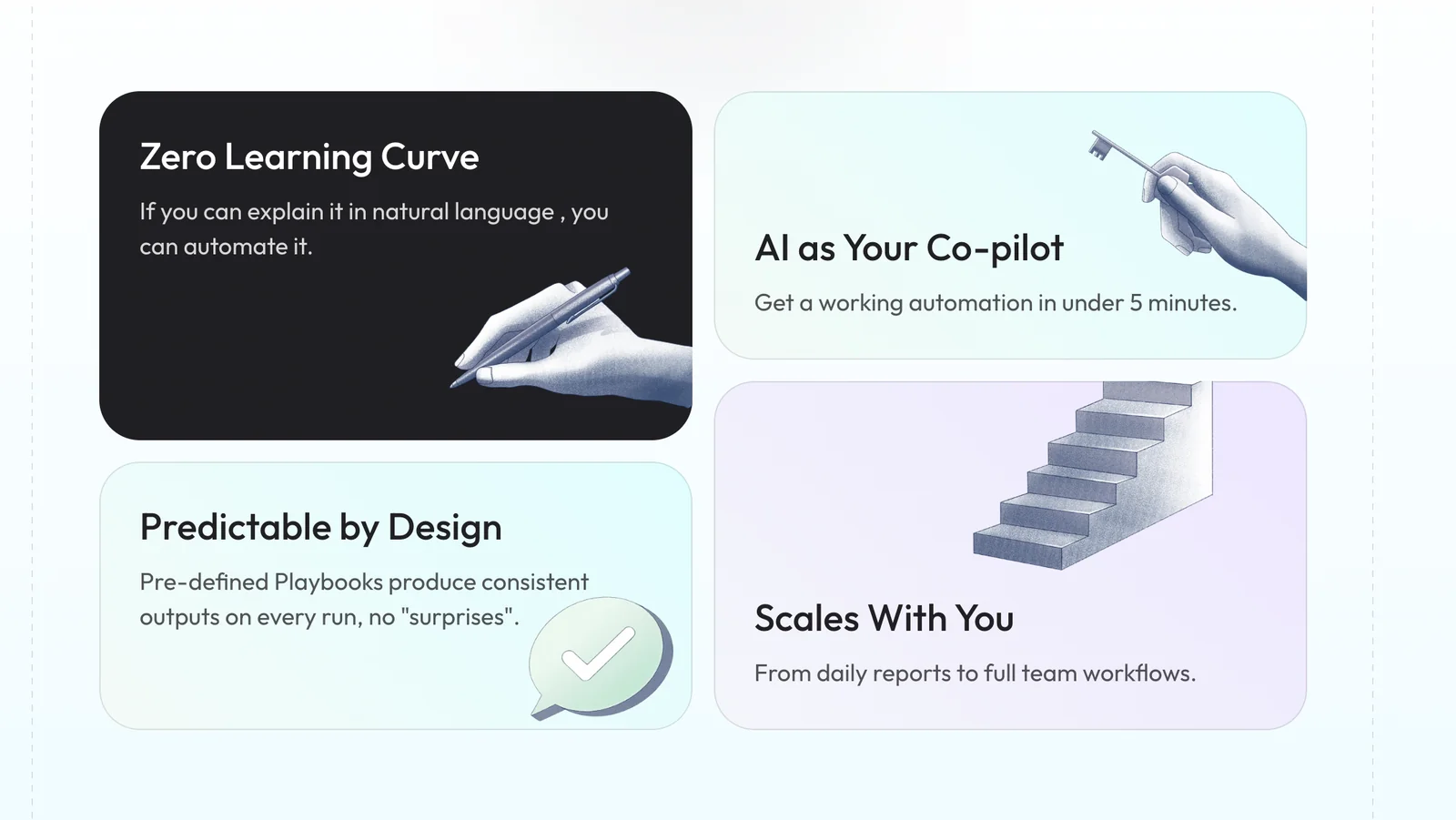
Aident AI differentiates itself from other automation tools through its intuitive Playbook Editor, which caters to non-technical users. It also offers governed deployments, robust testing features, and a strong focus on rapid prototyping and compliance, making it ideal for governance-focused teams.
Key Points
- User-Friendly Interface: Aident AI’s Playbook Editor simplifies automation for non-technical users.
- Governed Deployments: Ensures proper oversight and compliance during automation processes.
- Rapid Prototyping: Allows quick iteration of automation workflows to meet business needs.
Detailed Explanation
Aident AI is designed with usability in mind, making it accessible for teams without extensive technical expertise. The Playbook Editor enables users to create and manage automation workflows easily. This feature is particularly beneficial for businesses looking to empower all team members, regardless of their technical background.
In comparison to other automation tools, Aident AI places a strong emphasis on governed deployments. This means that every automation project goes through a stringent approval process, ensuring compliance with industry regulations and internal policies. For example, organizations in finance or healthcare can leverage Aident AI to automate tasks while maintaining adherence to strict governance standards.
Additionally, Aident AI supports rapid prototyping, allowing teams to quickly develop and test automation solutions. This feature is crucial for businesses that need to adapt to changing market demands or internal processes. The ability to iterate swiftly helps organizations reduce time-to-market and improve operational efficiency.
Best Practices / Tips
- Maximize User Adoption: Provide training sessions on using the Playbook Editor to enhance user confidence and engagement.
- Monitor Compliance: Regularly review automated processes to ensure they meet compliance standards and adjust as necessary.
- Iterate Frequently: Take advantage of the rapid prototyping feature to continuously refine automation workflows based on user feedback.
Additional Resources
Explore more AI Ai Agents tools
Browse all Ai Agents tools →Browse by use case: Automation & Productivity
Compare Aident AI: vs Sai · vs Mycel · vs Proto-Mind · vs Ami