

AI Toolkit by Tiptap
AIA toolkit that gives AI agents document-editing, streaming, navigation, and edit capabilities for Tiptap editors and structured content.
AI Toolkit by Tiptap
A toolkit that gives AI agents document-editing, streaming, navigation, and edit capabilities for Tiptap editors and structured content.
About AI Toolkit by Tiptap
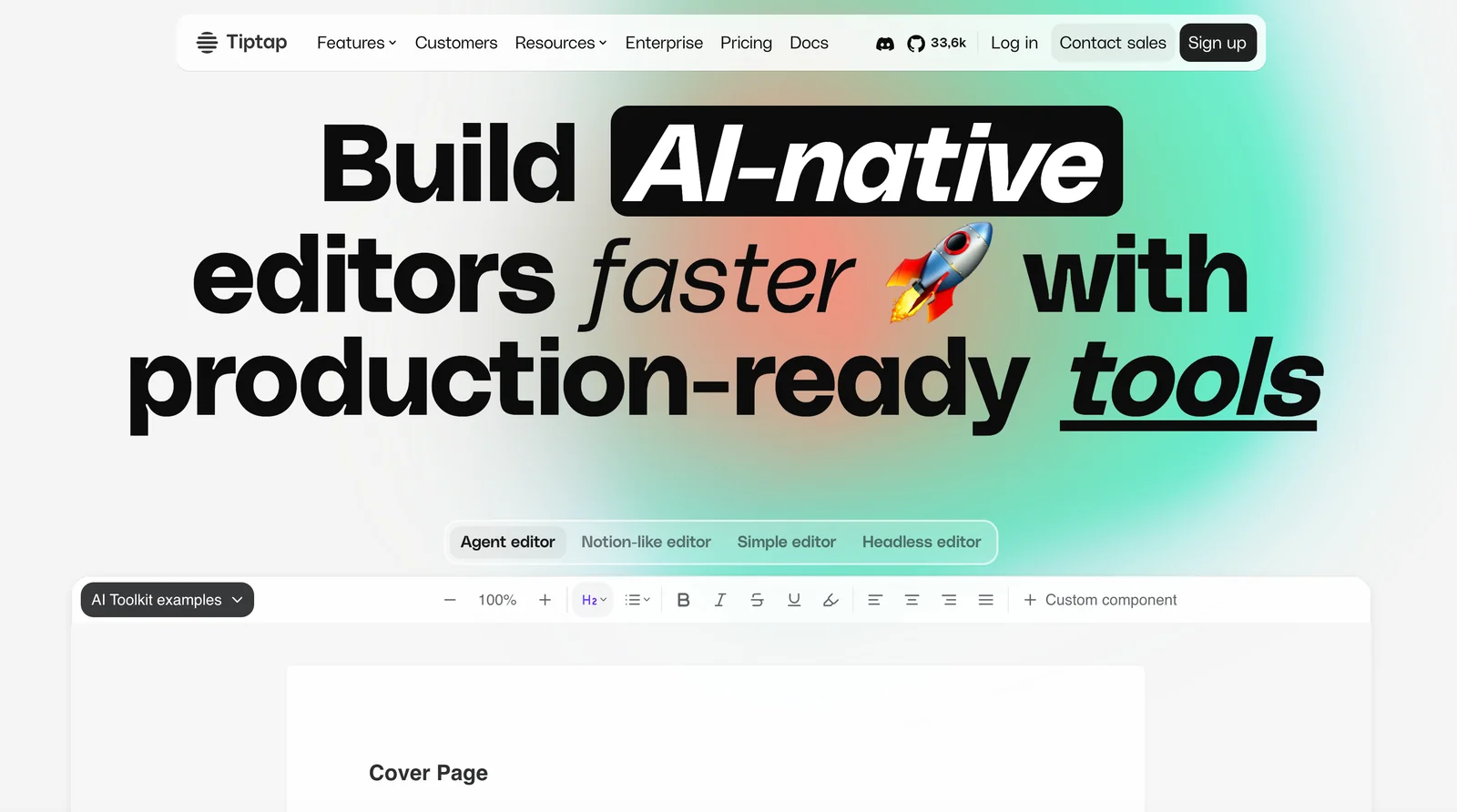
The AI Toolkit by Tiptap is a collection of document-focused tools that enable AI models and agents to interact with Tiptap documents using a Cursor-like editing workflow. It exposes streaming, navigation, selection, and fine-grained editing methods so agents can read, reason about, and modify structured content inside rich-text editors. Designed for integration with custom models and agent frameworks, the Toolkit supports real-time collaboration scenarios and lets developers build agents that perform contextual edits, step-by-step transformations, and interactive document Q&A — all with operational control over document structure rather than simple prompt responses. Its unique value is turning a text-prompt-only AI into an editor-aware agent that can manipulate document nodes, stream changes, and navigate large documents with editor-level precision.
Screenshots
Key Features
Use Cases



Frequently asked questions about AI Toolkit by Tiptap
What are the pricing options for the AI Toolkit by Tiptap?
The AI Toolkit by Tiptap features a freemium model, including a free open-source editor and customized paid plans for advanced AI capabilities. Pricing for enterprise solutions varies based on specific licensing needs, providing flexibility for larger organizations.
Key Points
- Freemium model with a free editor.
- Custom-priced paid plans with AI features.
- Enterprise options available for tailored licensing.
Detailed Explanation
The Tiptap AI Toolkit is designed to cater to a wide range of users, from individual developers to large enterprises. The freemium model allows users to access the core open-source editor at no cost, making it an attractive option for startups and personal projects.
For users seeking advanced features, Tiptap offers custom-priced paid plans. These plans incorporate various AI functionalities, which can include enhanced editing tools, collaboration features, and real-time AI suggestions. The exact pricing for these plans can vary based on the specific features selected, ensuring that users only pay for what they need.
For larger organizations, Tiptap provides enterprise options. These plans are tailored to meet the unique requirements of businesses, including custom licensing agreements that can encompass multiple users, advanced security features, and dedicated support. Companies interested in enterprise solutions are encouraged to contact Tiptap directly to discuss their specific needs and receive a personalized quote.
Best Practices / Tips
- Evaluate Your Needs: Before choosing a plan, assess your specific requirements. If you are an individual developer, the free version might suffice. However, businesses should consider the paid plans for additional functionalities.
- Leverage Trials: If available, take advantage of any trial periods offered for paid plans to explore their features before committing.
- Contact Sales for Custom Solutions: For enterprise licensing, reach out to Tiptap's sales team to discuss your organization's needs and get a tailored pricing structure.
Additional Resources
How does the AI Toolkit by Tiptap enhance document editing?
The AI Toolkit by Tiptap enhances document editing through features like real-time streaming edits, cursor-like navigation, and fine-grained operation-level editing. These functionalities enable users to make efficient, intelligent modifications, significantly improving the overall editing experience and productivity.
Key Points
- Real-Time Streaming Edits: Allows simultaneous editing by multiple users.
- Cursor-Like Navigation: Facilitates precise positioning and adjustments within the document.
- Operation-Level Editing: Offers granular control over specific editing actions.
Detailed Explanation
The AI Toolkit by Tiptap is designed to streamline the document editing process, making it faster and more intuitive. Here’s how each feature contributes:
-
Real-Time Streaming Edits: This feature enables multiple users to edit a document simultaneously without conflicts. It ensures that all changes are visible in real-time, improving collaboration among team members. For example, if one user modifies a paragraph, others can see the changes instantly, facilitating immediate feedback and discussion.
-
Cursor-Like Navigation: With this feature, users can navigate through the document as if they were using a traditional text editor. This functionality allows for easy repositioning of the cursor, making it simpler to edit specific sections without scrolling excessively. For instance, if a user needs to insert a comment or edit a sentence, they can quickly jump to the exact location.
-
Operation-Level Editing: This advanced editing capability permits users to perform specific actions, such as undoing or redoing changes at a granular level. Rather than reverting entire sections, users can target individual edits, thus maintaining the integrity of other content. This is particularly useful in lengthy documents where minor adjustments are needed without disturbing the overall structure.
Best Practices / Tips
- Utilize Real-Time Collaboration: Encourage team members to edit documents simultaneously to maximize productivity.
- Familiarize with Navigation Features: Spend time understanding how to effectively use cursor-like navigation for faster edits.
- Leverage Operation-Level Editing: Use this feature to manage changes efficiently, ensuring that you can revert small edits without losing significant progress.
Additional Resources
How do I get started with the AI Toolkit by Tiptap?
To get started with the AI Toolkit by Tiptap, download the Tiptap Editor from their official website, familiarize yourself with its features, and evaluate the benefits of signing up for a paid plan to unlock advanced AI capabilities that enhance your editing experience.
Key Points
- Download the Tiptap Editor: Access the software easily.
- Explore Features: Understand the toolkit's functionalities.
- Consider Paid Plans: Unlock advanced features for better results.
Detailed Explanation
The first step to using the AI Toolkit by Tiptap is to download the Tiptap Editor. Visit the official Tiptap website to find the download link. The editor is user-friendly and designed to help you create rich text applications effortlessly.
Once installed, take time to explore its features. The Tiptap Editor offers various functionalities, including collaborative editing, real-time updates, and markdown support. The AI Toolkit can enhance your editing tasks by suggesting improvements, grammar corrections, and content ideas based on your input.
After familiarizing yourself with the basic tools, consider signing up for a paid plan. Tiptap offers different subscription tiers, with prices starting around $10 per month. Paid plans unlock advanced features such as personalized AI suggestions and integrations with other applications, which can significantly improve your workflow.
Best Practices / Tips
- Utilize Tutorials: Tiptap provides extensive documentation and tutorials to help you get the most out of the toolkit.
- Experiment with Features: Don’t hesitate to test various functionalities within the editor to discover which tools best meet your needs.
- Stay Updated: Regularly check for updates to the Tiptap Editor, as new features and improvements are frequently released.
Additional Resources
What technical requirements are needed for integrating the AI Toolkit?
The AI Toolkit requires integration with Tiptap's document model and a foundational understanding of JavaScript. It also supports various AI frameworks, making it essential for developers to be familiar with API interactions and the specific AI models they intend to implement.
Key Points
- Requires integration with Tiptap's document model.
- Basic knowledge of JavaScript is essential.
- Compatible with various AI frameworks and models.
Detailed Explanation
Integrating the AI Toolkit necessitates a solid understanding of Tiptap's document model, which is a rich-text editor framework. Developers must familiarize themselves with Tiptap's structure and how it handles document changes. Additionally, basic JavaScript knowledge is crucial as it serves as the foundation for building custom AI models and APIs.
When working with the AI Toolkit, developers should consider the following technical requirements:
-
JavaScript Proficiency: Understanding JavaScript allows developers to customize functionalities and interact with the AI Toolkit effectively.
-
Familiarity with API Integration: The toolkit often requires API calls to connect with different AI models. Familiarity with RESTful APIs or GraphQL can enhance the integration process.
-
Environment Setup: Ensure that your development environment is set up with Node.js and npm (Node Package Manager) to manage dependencies effectively.
-
AI Model Selection: Choose appropriate AI models based on project needs. This could involve natural language processing models, machine learning frameworks, or computer vision systems.
Best Practices / Tips
- Start Small: Begin with simple integrations and gradually add complexity as you become more comfortable with Tiptap and the AI Toolkit.
- Utilize Documentation: Always refer to the official documentation for both Tiptap and the AI Toolkit for the latest features and best practices.
- Test Thoroughly: Before deploying any AI-related features, conduct extensive testing to ensure everything works as expected and to avoid potential issues.
- Stay Updated: The landscape of AI tools and frameworks is continually evolving. Keep your skills and knowledge current by following industry trends and updates.
Additional Resources
How does the AI Toolkit by Tiptap compare to other document editing tools?
The AI Toolkit by Tiptap stands out among document editing tools due to its unique features like real-time collaboration, cursor-driven workflows, and advanced AI capabilities. These elements make it particularly effective for teams needing seamless communication and efficient editing in dynamic environments.
Key Points
- Real-Time Collaboration: Multiple users can edit simultaneously.
- Cursor-Driven Workflows: Intuitive navigation enhances user experience.
- Advanced AI Features: Smart suggestions streamline editing tasks.
Detailed Explanation
The AI Toolkit by Tiptap differentiates itself from traditional document editing tools like Google Docs and Microsoft Word through several innovative features.
-
Real-Time Collaboration: Unlike many competitors, Tiptap allows multiple users to edit documents simultaneously in real time. This means that changes made by one user are instantly visible to others, fostering a collaborative environment essential for remote teams or projects requiring quick feedback.
-
Cursor-Driven Workflows: Tiptap's cursor-driven workflows enable users to see where collaborators are working within the document. This visual cue helps prevent overlap and confusion, making it easier to assign tasks or highlight areas needing attention.
-
Advanced AI Features: Tiptap integrates AI to offer smart suggestions and context-aware editing capabilities. For example, it can recommend grammar corrections, suggest better word choices, or even summarize sections of the text. This functionality not only improves productivity but also enhances the quality of the final document.
Use Cases
- Team Projects: In marketing or product development, teams can brainstorm ideas and edit proposals together in real time, reducing turnaround times.
- Educational Settings: Teachers and students can collaborate on assignments, facilitating interactive learning experiences.
Best Practices / Tips
- Utilize Real-Time Features: Encourage your team to leverage real-time collaboration for faster project completion.
- Explore AI Suggestions: Regularly check AI-generated recommendations to enhance the quality of your writing.
- Establish Clear Roles: Define who is responsible for which sections to maximize efficiency and minimize confusion.
Additional Resources
Explore more AI Ai Services tools
Browse all Ai Services tools →Browse by use case: Code Generation
Compare AI Toolkit by Tiptap: vs Cadenya · vs OpenObserve · vs Experiential Labs · vs Dial