

Fire Your QA Today
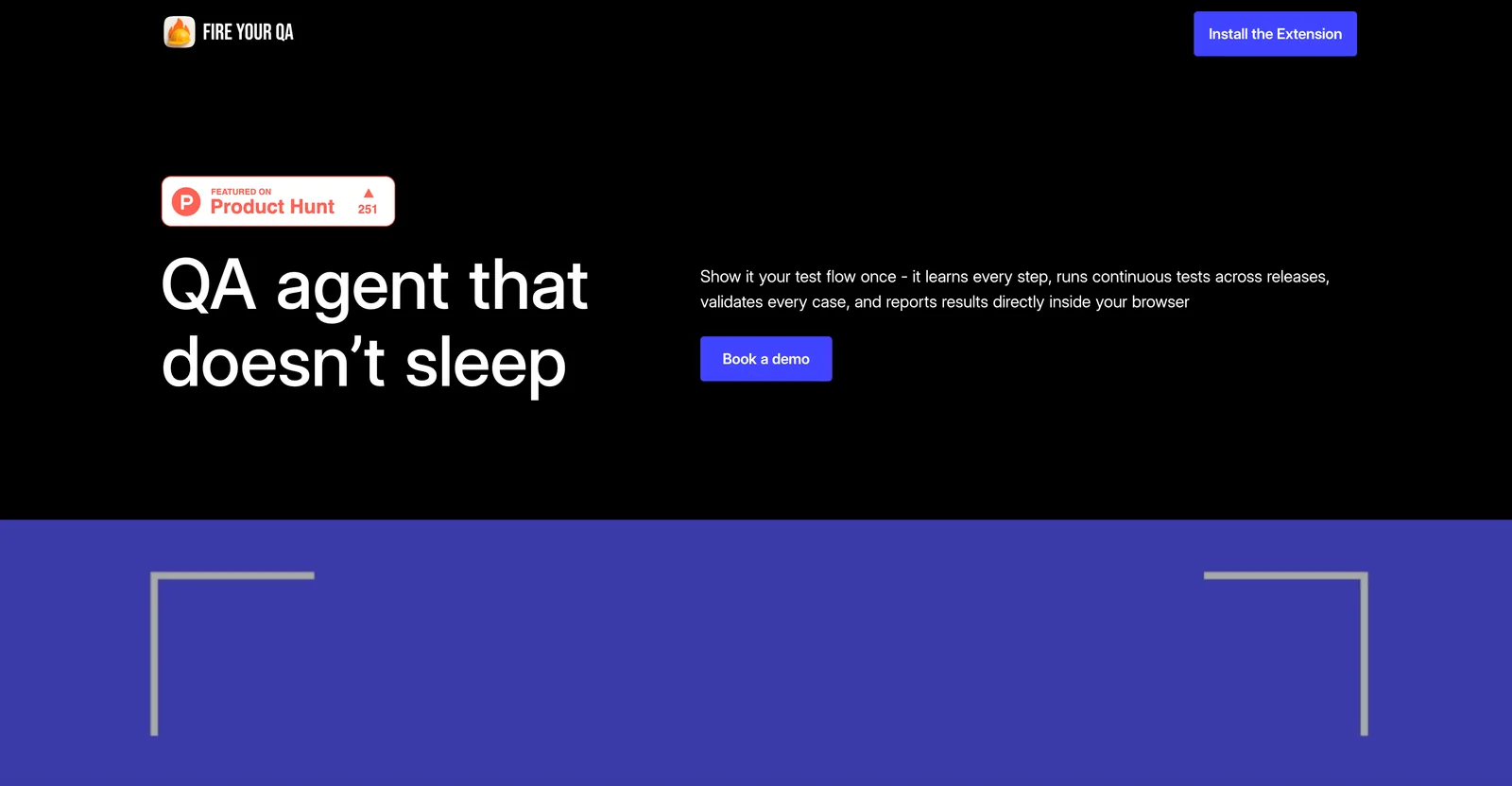
AIAI-powered QA agent that automates web app testing via screen recording, enabling continuous, scriptless tests across releases.
Fire Your QA Today
AI-powered QA agent that automates web app testing via screen recording, enabling continuous, scriptless tests across releases.
About Fire Your QA Today
Fire Your QA is an AI-powered QA agent that automates end-to-end testing for web applications by recording UI interactions once and replaying them continuously across releases. It creates tests from screen recordings rather than handwritten scripts or API integrations, enabling non-invasive, scriptless automation for CRMs, ERPs, and any web app. The product emphasizes speed and efficiency—claiming up to a 90% reduction in manual testing time—by maintaining tests across releases and detecting regressions through automated playback. Its core value is broad compatibility and low setup overhead, allowing teams to quickly convert manual flows into repeatable automated QA without engineering changes to the application.
Screenshots
Key Features
Use Cases



Frequently asked questions about Fire Your QA Today
What pricing options are available for Fire Your QA Today?
Fire Your QA Today provides flexible pricing options including a free app download, a Standard plan priced at $40 per month, and a custom-priced Enterprise plan tailored for large organizations. These options cater to various user needs, from individuals to enterprise-level clients.
Key Points
- Free App Download: Start without any financial commitment.
- Standard Plan: Affordable monthly subscription ideal for small teams.
- Enterprise Plan: Customized pricing for large-scale operations.
Detailed Explanation
Fire Your QA Today offers a tiered pricing structure that makes it accessible for a wide range of users.
-
Free App Download: This option allows users to explore the app's features without initial investment. It's an excellent choice for startups or individuals looking to test the service before committing financially.
-
Standard Plan at $40/month: This plan is ideal for small to medium-sized teams needing consistent quality assurance (QA) support. Subscribers gain access to all essential features, including automated testing tools, performance monitoring, and integration capabilities. The monthly fee provides flexibility, allowing teams to scale as needed.
-
Custom-Priced Enterprise Plan: Designed for larger organizations, this plan includes personalized features tailored to specific business needs. Companies can negotiate pricing based on user count and additional requirements, ensuring comprehensive support and resources.
Best Practices / Tips
- Try the Free Version: Before selecting a paid plan, utilize the free version to understand your requirements better.
- Assess Team Size: Consider the number of users who will require access to decide whether the Standard or Enterprise plan is more suitable.
- Contact Sales for Custom Needs: If your organization has unique QA needs, reach out to Fire Your QA Today’s sales team for a tailored solution.
Additional Resources
How does Fire Your QA Today automate testing without scripts?
Fire Your QA Today automates testing without scripts by utilizing screen recording technology to capture user interactions. This innovative approach allows teams to create automated tests easily, eliminating the need for coding and significantly streamlining the testing process.
Key Points
- No-code automation: Allows users to create tests without writing scripts.
- Screen recording: Captures real user interactions for accurate test scenarios.
- Simplified testing: Reduces complexity and speeds up the QA process.
Detailed Explanation
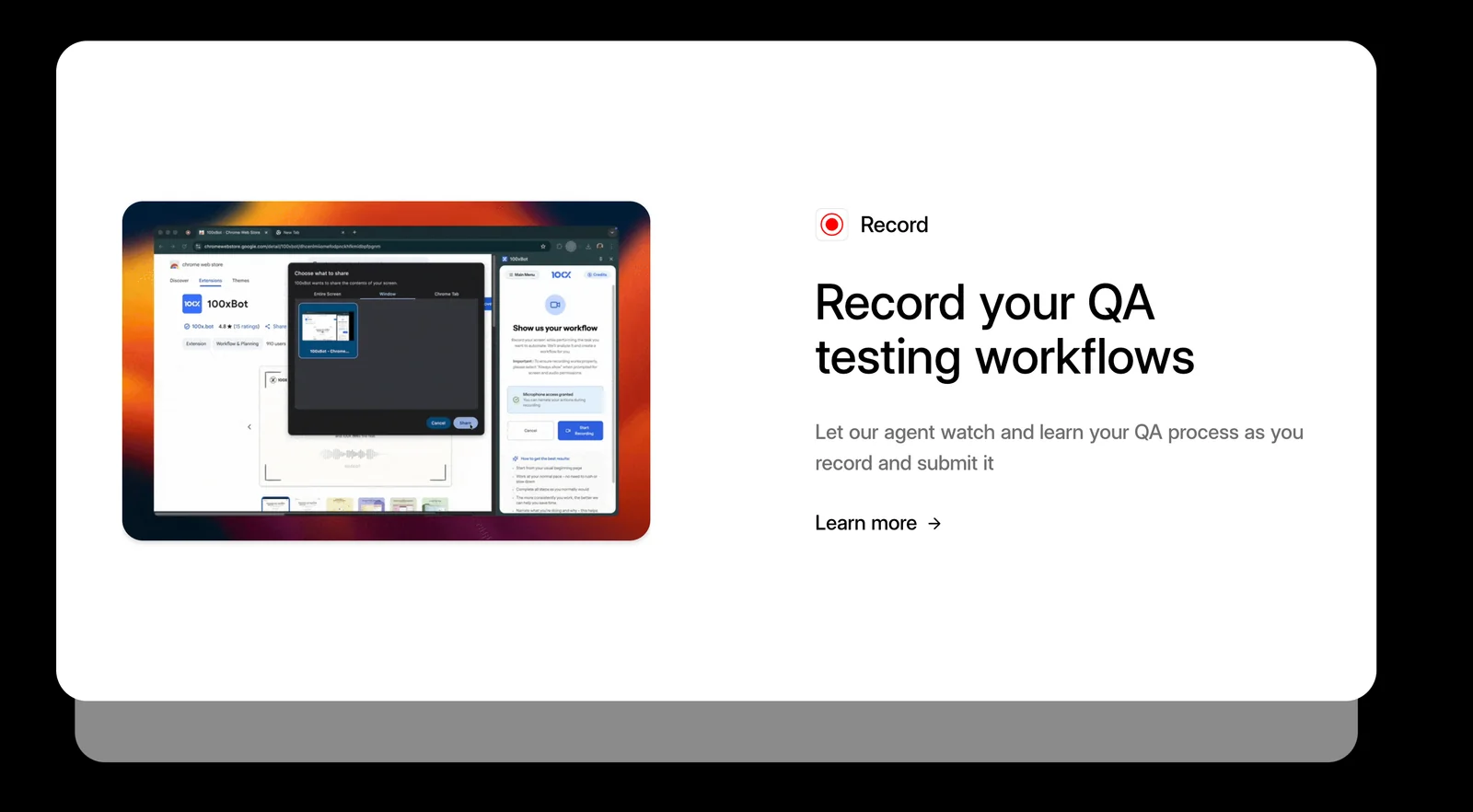
Fire Your QA Today leverages advanced screen recording technology to streamline the automated testing process. Users can record their interactions with the application in real-time, capturing mouse movements, clicks, and keyboard inputs. This visual data is then converted into automated test cases, allowing teams to validate functionality without the need for traditional coding skills.
How It Works
- Recording User Interactions: Start by recording the specific processes you want to test, such as logging in, navigating through a site, or completing a purchase.
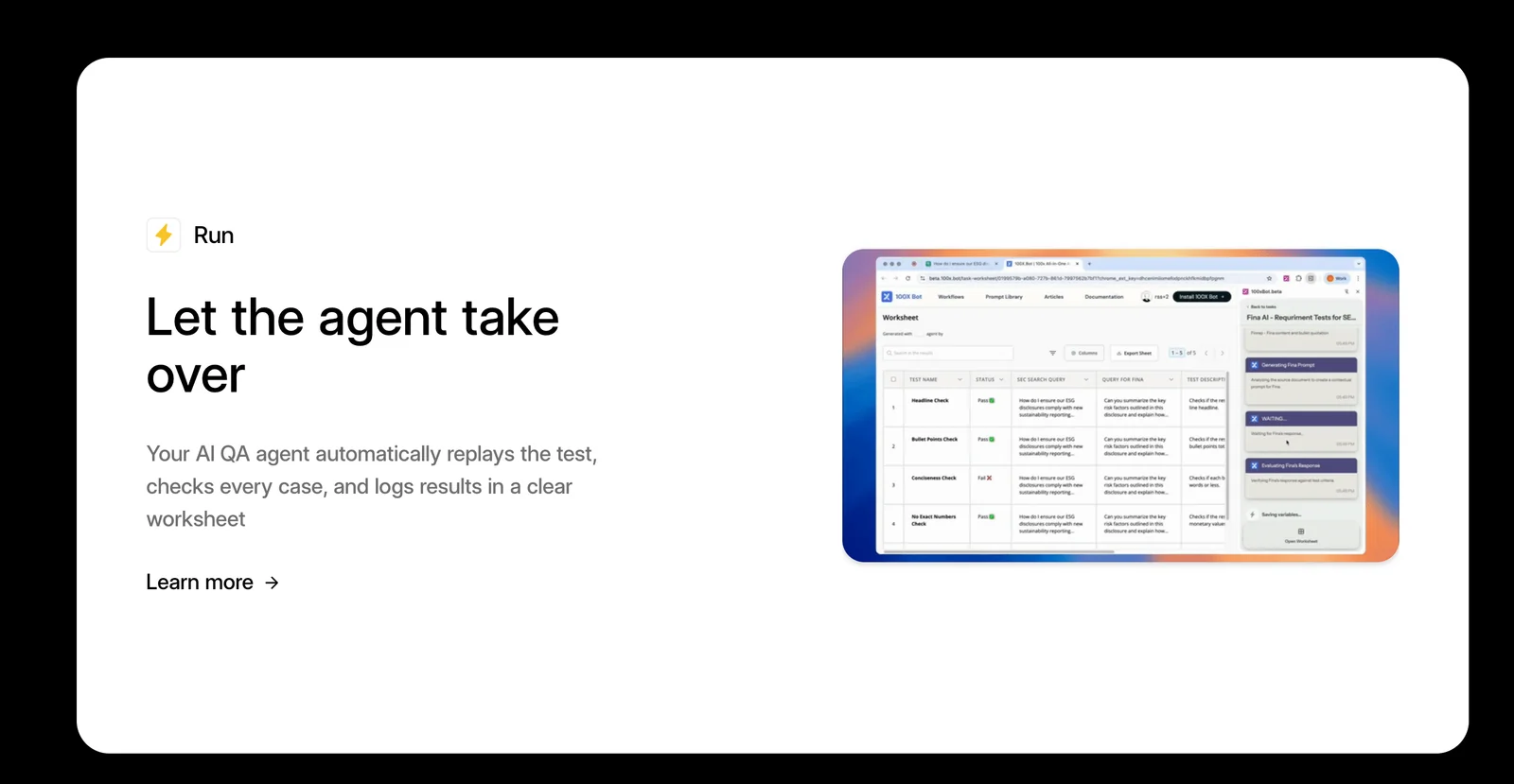
- Creating Test Cases: Once the recording is complete, the tool analyzes the recorded actions and generates test cases automatically.
- Execution and Reporting: The tests can be executed repeatedly with the click of a button, and detailed reports are generated, highlighting any failures or issues encountered during testing.
Use Cases
- Web Applications: Ideal for testing user journeys in web applications where interactions are key.
- Mobile Apps: Useful for capturing touch gestures and swipe actions in mobile environments.
- E-commerce Platforms: Ensures that the purchasing process is seamless and functional, improving user experience.
Best Practices / Tips
- Start Simple: Begin with critical user flows to maximize the impact of your initial tests.
- Regular Updates: Frequently update your test cases to reflect changes in your application’s UI or functionality.
- Combine with Manual Testing: Use automated testing for repetitive tasks, while complementing it with manual testing for exploratory scenarios.
Additional Resources
How can I get started with Fire Your QA Today?
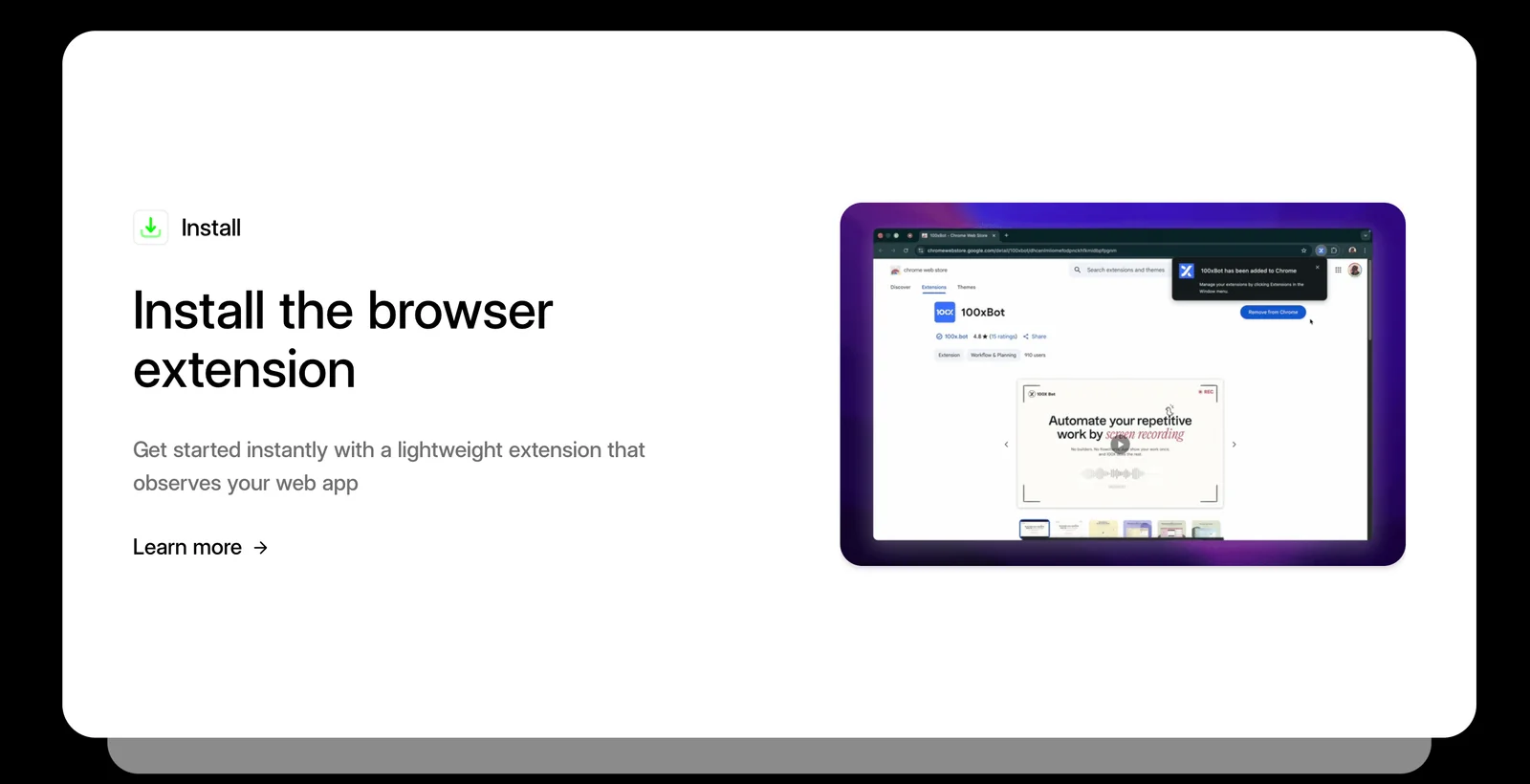
To get started with Fire Your QA Today, simply download the app from the App Store or Google Play, select a subscription plan that fits your testing needs, and follow the in-app tutorial to record your first test effortlessly.
Key Points
- Download the App: Available on App Store and Google Play.
- Choose a Subscription Plan: Options are available for various user needs.
- Follow the In-App Tutorial: Guides you through your first test setup.
Detailed Explanation
-
Download the App: Fire Your QA Today is accessible on both major mobile platforms. For iOS users, visit the App Store, and for Android users, check Google Play. Search for "Fire Your QA Today" and click “Install” to begin the download.
-
Choose a Subscription Plan: Once the app is installed, open it to explore different subscription options. Fire Your QA Today usually offers a range of plans, including a free trial, monthly, and annual subscriptions. Each plan provides varying levels of access to features such as cloud storage, team collaboration, and advanced analytics. Assess your testing needs to select the most suitable plan.
-
Follow the In-App Tutorial: After selecting your plan, the app will prompt you to complete a user-friendly tutorial. This step-by-step guide will walk you through the setup process for recording your first automated test. You’ll learn how to navigate the interface, set test parameters, and utilize essential features effectively.
Best Practices / Tips
- Explore Features: Take the time to explore all features the app offers after completing the tutorial. Familiarize yourself with functionalities like reporting, test scheduling, and integration with CI/CD pipelines.
- Utilize Customer Support: If you encounter any issues or have questions, don’t hesitate to reach out to customer support via the app or their website.
- Regularly Update the App: Keep the app updated to benefit from new features and security patches. Check for updates periodically to ensure you have the latest version.
Additional Resources
- Official Fire Your QA Today Website for detailed feature descriptions.
- User Manual PDF for comprehensive guidance on using the app.
- Community Forum to connect with other users and share best practices.
Is Fire Your QA Today compatible with all web applications?
Yes, Fire Your QA Today is compatible with all web applications, including CRMs and ERPs. It operates at the user interface (UI) level, which allows it to function seamlessly without the need for backend integrations.
Key Points
- UI-Level Operation: Fire Your QA Today interacts directly with the user interface.
- Broad Compatibility: Works with various types of web applications, such as CRMs and ERPs.
- No Backend Dependencies: Eliminates the complexity of backend integration.
Detailed Explanation
Fire Your QA Today is engineered to provide automated quality assurance across a wide spectrum of web applications. Its unique approach focuses on UI-level testing, meaning it simulates user interactions directly on the interface. This capability allows it to be compatible with virtually any web application, from customer relationship management (CRM) systems to enterprise resource planning (ERP) solutions.
Use Cases
-
CRMs: When implementing Fire Your QA Today in a CRM, it can automate the testing of features like lead management, contact forms, and reporting dashboards. This ensures that users receive a consistent experience without bugs affecting their productivity.
-
ERPs: In ERP systems, the tool can validate complex workflows that span multiple modules, such as inventory management and accounting. This holistic approach ensures that every interaction adheres to business rules and operates smoothly.
By focusing on the UI, Fire Your QA Today sidesteps common integration hurdles, making it easier for organizations to adopt and benefit from robust testing without extensive setup time.
Best Practices / Tips
- Regular Updates: Keep Fire Your QA Today updated to leverage the latest features and improvements for optimal performance.
- Comprehensive Test Scenarios: Create diverse test scenarios that cover all aspects of the application. This ensures thorough testing and reduces the risk of overlooked issues.
- User Feedback Integration: Regularly gather user feedback on the application’s functionality to inform your testing strategy. This will help you identify areas that require more focused testing.
Additional Resources
How does Fire Your QA Today compare to other QA tools?
Fire Your QA Today distinguishes itself from other QA tools through its innovative scriptless automation feature, which significantly reduces testing time by up to 90%. This efficiency makes it an exceptional choice for teams aiming to enhance their QA processes without the complexity of traditional testing frameworks.
Key Points
- Scriptless Automation: Eliminates the need for coding, making it user-friendly.
- Time Efficiency: Reduces testing time by up to 90%, speeding up the development cycle.
- Collaboration Features: Enhances team productivity through seamless integration with existing workflows.
Detailed Explanation
Fire Your QA Today is designed to simplify quality assurance processes, allowing teams to focus on delivering high-quality software without the burdensome task of manual testing. Its scriptless automation feature enables users, regardless of technical expertise, to create and execute tests effortlessly. This is particularly beneficial for teams with limited resources or those that want to minimize dependency on specialized QA personnel.
For example, traditional QA tools often require extensive scripting knowledge, leading to longer ramp-up times and steeper learning curves. In contrast, Fire Your QA Today allows team members to create tests using a visual interface, which not only saves time but also fosters greater collaboration among team members.
Additionally, the significant reduction in testing time can lead to faster release cycles. Teams can deploy updates and new features more rapidly, responding to market demands and customer feedback more effectively. The tool’s integration capabilities with CI/CD pipelines ensure that testing is a seamless part of the development process, rather than a bottleneck.
Best Practices / Tips
- Leverage Training Resources: Take advantage of tutorials and documentation to maximize the potential of scriptless automation.
- Collaborate with Your Team: Encourage all team members to participate in the testing process, utilizing the collaborative features of Fire Your QA Today.
- Iterate Based on Feedback: Regularly gather feedback from your team on the QA process to identify areas for improvement and streamline workflows further.
Additional Resources
Explore more AI Ai Agents tools
Browse all Ai Agents tools →Browse by use case: Automation & Productivity
Compare Fire Your QA Today: vs ShogunAI · vs fx · vs OneCLI · vs OpenViking